

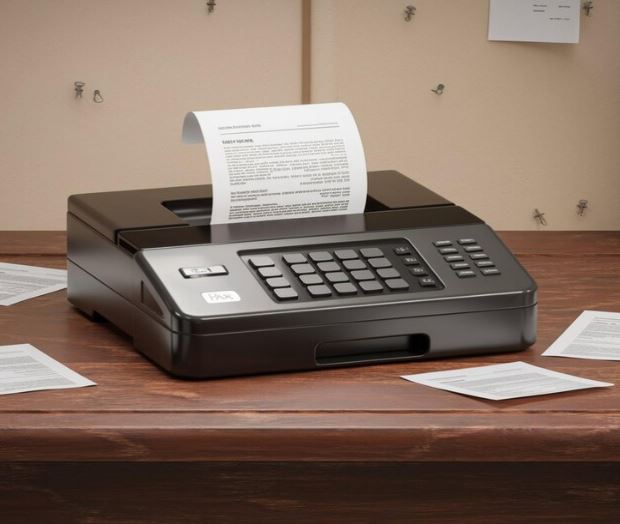
In today’s fast-paced digital age, many tasks that once required heavy machinery or specialized equipment can now be done with the touch of a button. One of the best examples of this is the ability to send faxes from your phone. No longer do you need a bulky fax machine taking up space in your office? With the power of modern technology, your smartphone can easily transform into a powerful fax machine, allowing you to send documents anywhere, anytime.
Table of Contents
The Convenience of Mobile Faxing
Gone are the days when sending a fax meant finding a machine and feeding in paper. With a simple app on your smartphone, you can now fax documents just like sending an email or message. This convenience is especially useful for professionals on the move, small business owners, or anyone who needs to send important documents quickly without having access to traditional office equipment.
Imagine you’re traveling, and an important contract needs to be sent to a client immediately. Instead of waiting to return to the office or finding a fax machine, you can simply pull out your phone, upload the document, and send it off. It saves time, and effort, and ensures that your work gets done efficiently.
How Does Mobile Faxing Work?
It’s simpler than you might think. There are many apps available that transform your phone into a mobile fax machine. Once you download the app, you can scan or upload documents directly from your phone’s camera or storage. After selecting the recipient’s fax number, the app handles the rest.
Most mobile faxing apps come with additional features such as the ability to add a cover page, view sent documents, and store a history of your faxes. It’s an all-in-one solution that brings faxing into the digital age without the hassle of using outdated machines.
Key Advantages of Using Your Phone for Faxing
There are several reasons why mobile faxing is quickly becoming the preferred method for many:
1. Portability
Since your phone is always with you, you can fax documents from anywhere. Whether you’re in a coffee shop, at home, or on the go, you have the power to send important documents in your pocket.
2. Speed
Traditional fax machines can be slow and often involve waiting for the machine to process the paper. With mobile faxing, the process is almost instant. As soon as you hit “send,” the document begins transmitting, ensuring it reaches its destination quickly.
3. Cost-Effective
Fax machines come with hidden costs such as paper, ink, and maintenance. With mobile faxing, all you need is an app, which is often either free or available at a low subscription cost. There are no additional costs for paper, ink, or machine upkeep, making it an affordable option for many.
4. Eco-Friendly
By using a phone to fax, you’re helping to reduce paper waste. There’s no need to print documents just to fax them. Digital faxing keeps everything electronic, contributing to a more eco-friendly way of doing business.
Security in Mobile Faxing
One common concern with digital tools is security. When it comes to faxing, many believe that traditional machines are safer. However, mobile faxing apps have risen to the challenge, offering secure transmission methods to keep your documents safe.
Most reputable faxing apps use encrypted connections to transmit documents, ensuring they aren’t intercepted or viewed by unauthorized parties. In addition, many apps store your faxes in a secure, cloud-based system, allowing you to access them from any device without worrying about privacy.
Getting Started with Mobile Faxing
To begin turning your phone into a fax machine, all you need is a reliable app. A quick search in your app store will present a range of options, with many offering free trials or low-cost subscriptions. Once you’ve downloaded an app, the setup is simple. You’ll be able to:
- Scan documents using your phone’s camera
- Upload PDFs or other file formats from your phone’s storage
- Add a recipient’s fax number
- Hit send and let the app take care of the rest
Many apps also allow you to send international faxes, which is an added benefit for businesses dealing with clients or partners around the globe. With just a few clicks, your document is sent, no matter where the recipient is located.
Conclusion
Turning your phone into a powerful fax machine is not only convenient, but it’s also practical and cost-effective. By using mobile faxing apps, you can send documents anywhere, anytime, without the need for bulky equipment or complicated processes. With just a few taps on your phone, your document is transmitted securely, quickly, and efficiently.
As more people realize the benefits of mobile faxing, it’s likely to become the standard method for sending documents in both personal and professional settings. Embrace this technology and experience the ease of faxing right from your smartphone.
