

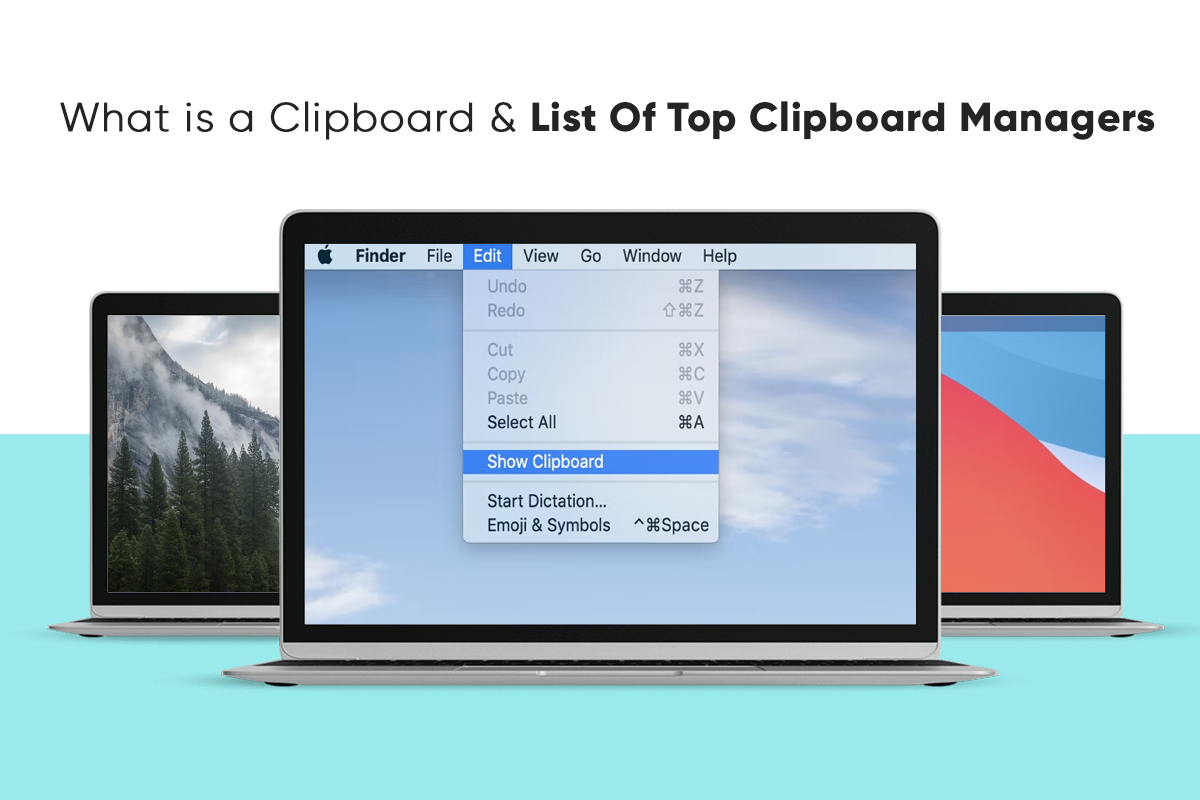
What is a Clipboard & List of Top Clipboard Managers: In a computer or laptop, a clipboard temporarily stores data that users want to copy. For example, in a word processor app, you may want to cut or copy one part of the text and copy it somewhere else in the document. If you copy the text, it will get saved in the clipboard, and you can paste it several times without copying it again.
Windows users copy text by pressing Control + C, and they can paste it by pressing Control + V. Clipboard history can be seen by pressing the Windows logo + V. If you wonder how to copy and paste on Mac, press the Command + C and Command + V keys on your keyboard.
Although the native clipboard manager on Mac and Windows simplifies copying text and images between applications, they fall short. If you wish to use advanced features like cloud-syncing, hotkeys, autosaves, etc., look toward third-party clipboard managers. Some top ones are mentioned below.
Table of Contents
Clipboard Managers for Windows
-
CopyQ
CopyQ is an advanced Windows clipboard manager packed with scripting and editing features, along with management and clipboard manager’s history functionalities. Use it to store HTML snippers, text, pictures, and other formats. You can also add tags or notes to the copied items.
On CopyQ, all the saved clippings will be saved in personalized tabs. So you can quickly find items. Furthermore, the clipboard manager employs system-wide shortcuts for various operations. You can even add custom commands. For example, you can automatically create commands to save web links in your clipboard.
-
ClipClip
ClipClip is a popular Windows clipboard manager that allows users to copy multiple pictures, texts, and other files. Once copied, users can peruse the clippings and organize them using titles.
The clipboard manager employs keyboard shortcuts so users can see all the past clippings and easily copy them. Moreover, it has text translation functionality to translate text clippings into different languages.
Using ClipClip, you can look up the search history, upload clips to the cloud, personalize hotkeys to suit your workflow, and protect your folders with a password to keep them secure.
The clipboard manager also offers many other features, including text formatting, screen capturing, text extraction (OCR), image editing, cloud synchronization with Dropbox and Google Drive, quick web searching, etc.
-
Clipboard Master
Clipboard Master is a popular Windows clipboard manager with many features. It helps users copy, paste, organize, and collect text snippets, files, images, and folders across different programs. You can store up to ten thousand entries on it and access them whenever you want.
One of its features is that it allows users to copy multiple items from multiple locations at once. This is done by creating a single clipboard entry for the different items so you can copy items from several locations and paste them onto a single location.
The clipboard manager also offers Flexikeys, which allows users to simplify carrying out repeated operations on their devices.
The other features of Clipboard Master include an inbuilt screenshot tool, quick search and filter functionality, and text auto-complete. You can use this clipboard manager for free.
Clipboard Managers for Mac
-
Flycut
Flycut is a clipboard manager targeted toward developers, and you can use it for free. It is based on the open-source clipboard manager, Jumpcut.
Flycut resides in the menu bar and provides users easy access to all the saved clippings. Also, you can tinker with the settings to change the maximum number of clippings you can save or what happens to the saved clippings on exit.
-
Paste
The paste is a popular Mac clipboard manager that allows users to save everything they copy on their Mac, iPad, and iPhone. You can copy files, images, links, and text with the Paste clipboard manager.
All the copied content stays on the application with Paste, and you can find it easily with a simple search. Also, you can categorize the copied content using pins to ensure everything is organized. Moreover, you can paste content without formatting or setting rules to simplify pasting content.
iCloud sync is one of the best features of Paste. So all the clippings saved on the clipboard are synced with all your devices, and you can easily access them whenever you want.
-
Anybuffer
Anybuffer is not your regular clipboard manager. Instead, it is a things organizer allowing users to store and organize documents, plain text, links to videos and images, etc.
Everything copied is synced to the iCloud account; therefore, you can access them on all your Apple devices. Furthermore, the clipboard manager showcases a powerful search feature that allows users to find their saved clippings quickly. So you can keep everything organized and access them from anywhere. Read more How to Remove Scratches from Laptop Screen?
The Bottom Line
These are some top clipboard managers for Windows and Macs. Use them to up your copy-paste game.
